...
LH can be installed on a Kubernetes cluster in several ways: Rancher catalog app, kubectl , Helmor Helm. In this guide we will focus on the installation via Helm chart, which must of course be installed. However, for further details, please refer to the official guide.
Requirements
Each node in the Kubernetes cluster where Longhorn LH is installed must fulfill the following requirements:
- A container runtime compatible with Kubernetes (Docker v1.13+, containerd v1.3.7+, etc.).
- Kubernetes v1.16+ (recommend Kubernetes v1.17+)18+.
open-iscsi is installed, and the iscsid daemon is running on all the nodes. This is necessary, since
LonghornLH relies on iscsiadm on the host to provide persistent volumes to Kubernetes.
Code Block language bash title Install iscsi collapse true # If not present, launch the command $ sudo yum --setopt=tsflags=noscripts install iscsi-initiator-utils -y # Then enable and start the daemon $ sudo systemctl enable iscsid $ sudo systemctl start iscsidRWX support requires that each node has a NFSv4 client installed.
Code Block language bash title Install nfs-utils collapse true # If not present, launch the command $ sudo yum install nfs-utils -yThe host filesystem supports the file extents feature to store the data. Currently we support ext4 and XFS.
Code Block language bash title Filesystem type collapse true # Check that the database type is "xfs" or "ext4" $ df -Th | grep /dev/vd Filesystem Type Size Used Avail Use% Mounted on /dev/vda1 xfs 80G 5.0G 76G 7% /- curl, findmnt, grep, awk, blkid, lsblk must be installed.
Mount propagation must be enabled.
Code Block language bash title Mount propagation collapse true # Insert the following lines into the file "/etc/systemd/system/docker.service.d/mount_propagation_flags.conf" [Service] MountFlags=shared # Then restart the service $ sudo systemctl daemon-reload $ sudo systemctl restart docker.service
A script has been written to help you gather enough information about the factors (note jq maybe required to be installed locally prior to running env check script). To run script
| Code Block | ||||||
|---|---|---|---|---|---|---|
| ||||||
curl -sSfL https://raw.githubusercontent.com/longhorn/longhorn/v1.3.0/scripts/environment_check.sh | bash [INFO] Required dependencies are installed. [INFO] Waiting for longhorn-environment-check pods to become ready (0/0)... [INFO] All longhorn-environment-check pods are ready (3/3). [INFO] Required packages are installed. [INFO] MountPropagation is enabled. [INFO] Cleaning up longhorn-environment-check pods... [INFO] Cleanup completed. |
Installation with Helm
Add the LH Helm repository and fetch the latest charts from the repository
| Code Block | ||||
|---|---|---|---|---|
| ||||
$ helm repo add longhorn https://charts.longhorn.io
$ helm repo update |
To install LH with Helm 3, use these commands
| Code Block | ||||
|---|---|---|---|---|
| ||||
# Use the --create-namespace flag, if the namespace does not exist
$ helm install longhorn longhorn/longhorn --namespace longhorn-system [--create-namespace]

# Upgrade or uninstall chart
$ helm upgrade <chart_name> longhorn/longhorn -n longhorn-system
$ helm uninstall <chart_name> -n longhorn-system |
The initial settings for Longhorn can be customized using Helm options or by editing the deployment configuration file. To obtain a copy of the values.yaml file
| Code Block | ||||||
|---|---|---|---|---|---|---|
| ||||||
$ helm show values longhorn/longhorn > values.yaml
# Modify the default settings in the YAML file and then add flag "--values values.yaml" in the install command
$ helm install longhorn longhorn/longhorn --namespace longhorn-system --values values.yaml |
To confirm that the deployment succeeded, run
| Code Block | ||||||
|---|---|---|---|---|---|---|
| ||||||
$ kubectl -n longhorn-system get pod
NAME                                        READY   STATUS    RESTARTS   AGE
csi-attacher-5f46994f7-4t8dn                1/1     Running   0          82s
csi-attacher-5f46994f7-l6gjl                1/1     Running   0          81s
csi-attacher-5f46994f7-tkz4p                1/1     Running   0          81s
csi-provisioner-6ccbfbf86f-78gvc            1/1     Running   0          81s
csi-provisioner-6ccbfbf86f-psrt2            1/1     Running   0          81s
csi-provisioner-6ccbfbf86f-zccxt            1/1     Running   0          81s
csi-resizer-6dd8bd4c97-462sd                1/1     Running   0          81s
csi-resizer-6dd8bd4c97-jls9w                1/1     Running   0          81s
csi-resizer-6dd8bd4c97-kn5bb                1/1     Running   0          81s
csi-snapshotter-86f65d8bc-2968g             1/1     Running   0          81s
csi-snapshotter-86f65d8bc-8ptsr             1/1     Running   0          81s
csi-snapshotter-86f65d8bc-vgrr4             1/1     Running   0          81s
engine-image-ei-fa2dfbf0-fd4kj              1/1     Running   0          109s
engine-image-ei-fa2dfbf0-hcv8p              1/1     Running   0          109s
engine-image-ei-fa2dfbf0-q7qdt              1/1     Running   0          109s
instance-manager-e-23cd97d9                 1/1     Running   0          109s
instance-manager-e-275b5e10                 1/1     Running   0          100s
instance-manager-e-fdd447fd                 1/1     Running   0          105s
instance-manager-r-17584df4                 1/1     Running   0          109s
instance-manager-r-2a170a69                 1/1     Running   0          100s
instance-manager-r-544a80b6                 1/1     Running   0          104s
longhorn-csi-plugin-5qmqv                   2/2     Running   0          80s
longhorn-csi-plugin-hqpcm                   2/2     Running   0          80s
longhorn-csi-plugin-sb5nf                   2/2     Running   0          80s
longhorn-driver-deployer-6db849975f-cjjnj   1/1     Running   0          2m15s
longhorn-manager-4k7p7                      1/1     Running   1          2m15s
longhorn-manager-pvd2b                      1/1     Running   0          2m15s
longhorn-manager-rh99r                      1/1     Running   1          2m15s
longhorn-ui-6f547c964-7vbl4 1/1 Running 0 2m15s |
Accessing the UI
| Info | ||
|---|---|---|
| ||
These instructions assume that LH and a ingress controller (i.e. Nginx, Traefik) are installed, of course. |
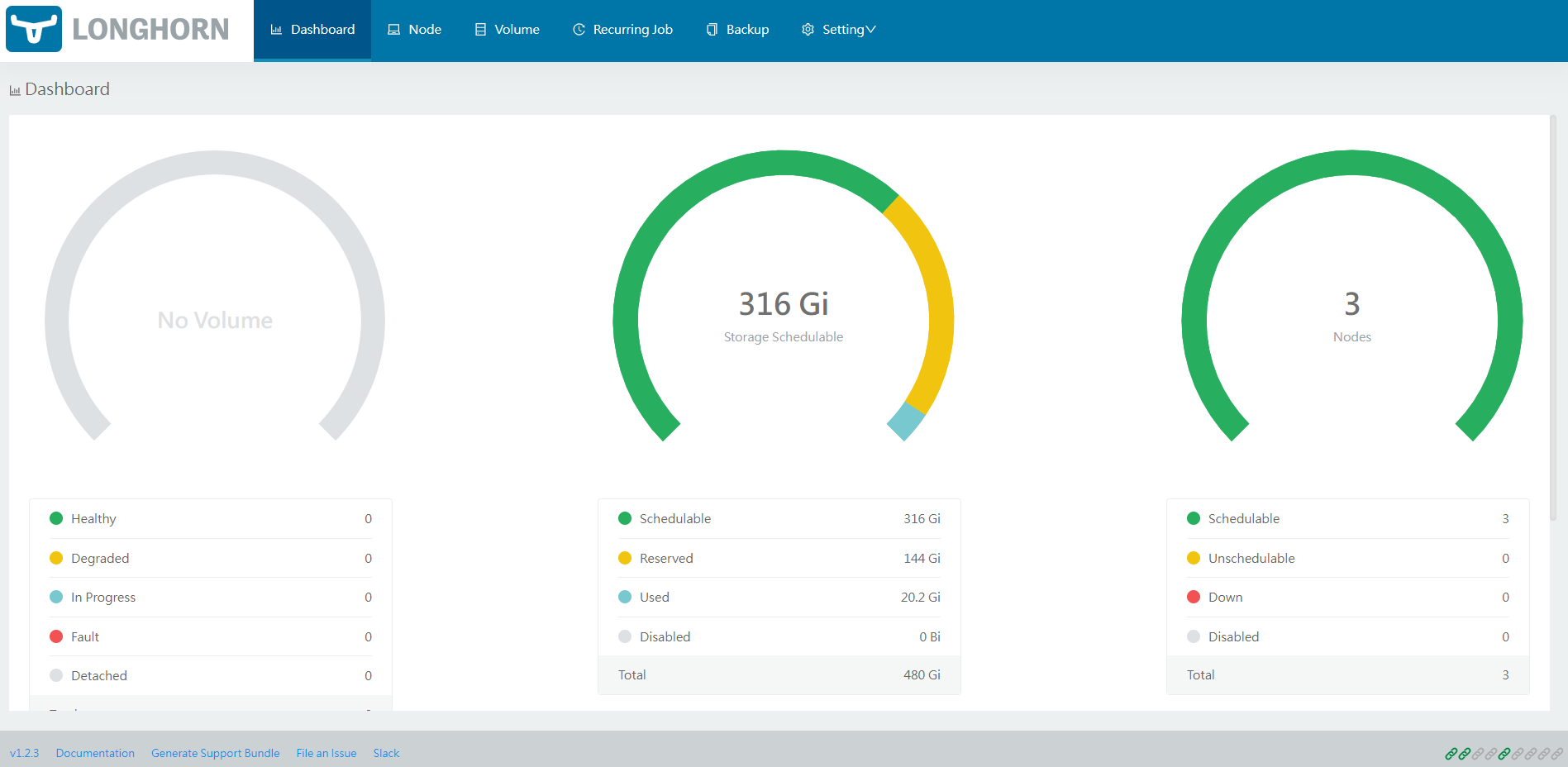
Once LH has been installed in your Kubernetes cluster, you can access the UI dashboard. First let's see which service we need to connect our ingress controller to. So let's use
| Code Block | ||||||
|---|---|---|---|---|---|---|
| ||||||
# The service we are interested in is "longhorn-frontend"
$ kubectl -n longhorn-system get svc
NAME                TYPE        CLUSTER-IP      EXTERNAL-IP   PORT(S)     AGE
longhorn-backend    ClusterIP   10.233.28.215   <none>        9500/TCP    24h
longhorn-frontend ClusterIP 10.233.63.167 <none> 80/TCP 24h |
At this point we can build the ingress resource, as usual
| Code Block | ||||||
|---|---|---|---|---|---|---|
| ||||||
apiVersion: networking.k8s.io/v1
kind: Ingress
metadata:
  name: longhorn-ingress
  namespace: longhorn-system
spec:
#  tls:		# Uncomment this part if you have the secret
#  - hosts:
#    - <host>
#    secretName: <secret>
  rules:
  - host: <host>
    http:
      paths:
      - path: /
        pathType: Prefix
        backend:
          service:
            name: longhorn-frontend
            port:
number: 80 |