|
|
Whether our application is made up of a boundless multitude of microservices or a single monolith, one of the main needs is our ability to determine its actual load and its good working order. In other words, as soon as we put our application into production, we need to be able to continuously answer questions such as:
The Prometheus opensource monitoring solution can answer these and many other questions and addresses and solves these problems thanks also to the excellent travel companion Grafana. Grafana is a web application that creates graphs divided into panels, with data coming from a variety of different sources, such as OpenTSDB, InfluxDB, ElasticSearc and Prometheus itself.
Probably the fastest and most efficient way to get Prometheus is via Helm chart. Add the repo and install the chart (here we work in namespace monitoring)
# Add the prometheus-community repo and perform a general update of the repositories $ helm repo add prometheus-community https://prometheus-community.github.io/helm-charts $ helm repo update # Use the --create-namespace flag, if the namespace does not exist $ helm install <chart_name> prometheus-community/kube-prometheus-stack -n monitoring [--create-namespace] |
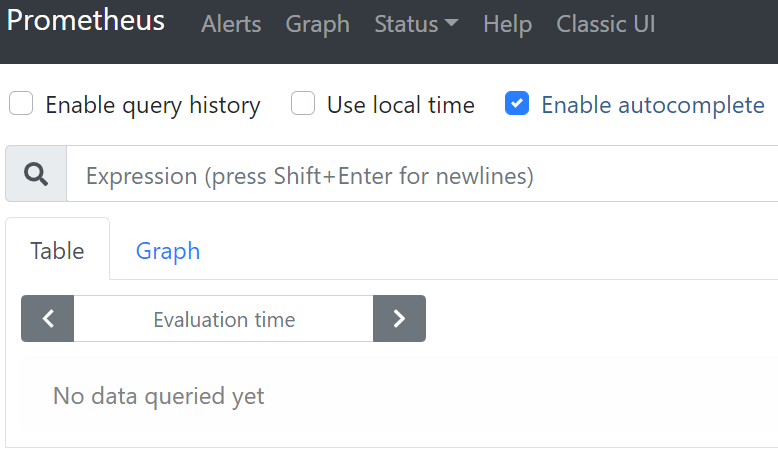
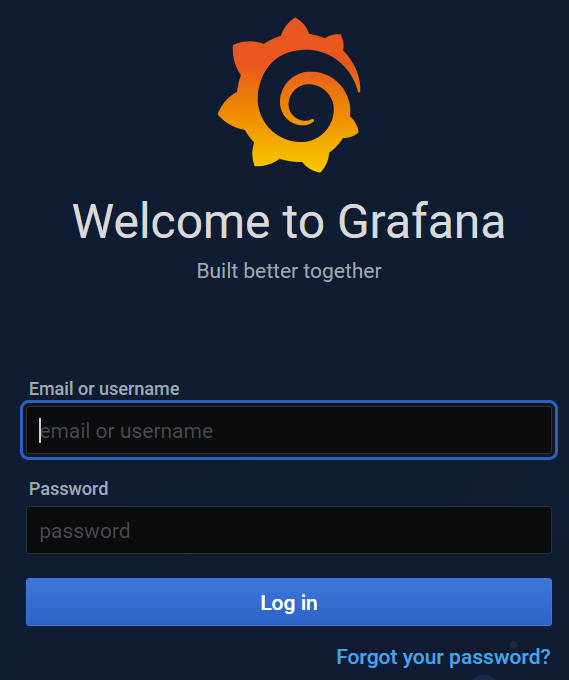
In this way we will have already deployed all the components in our cluster. To perform a quick test, you can connect, via browser, to the user interfaces of Prometheus and Grafana, modifying the two services in a similar way to what was seen for the Kubernetes dashboard: edit the type of service, from ClusterIP to NodePort, and select a port in the range 30000-32767. At the first access to Grafana you will be asked for your credentials, which you can later change. Credentials are present in github site.
|
To upgrade all the Kubernetes components associated with the chart use or to remove them and delete the release
$ helm upgrade <chart_name> prometheus-community/kube-prometheus-stack -n monitoring $ helm uninstall <chart_name> -n monitoring |
Custom Resource Definitions (CRDs) created by this chart are not removed by default and should be manually cleaned up
kubectl delete crd alertmanagerconfigs.monitoring.coreos.com kubectl delete crd alertmanagers.monitoring.coreos.com kubectl delete crd podmonitors.monitoring.coreos.com kubectl delete crd probes.monitoring.coreos.com kubectl delete crd prometheuses.monitoring.coreos.com kubectl delete crd prometheusrules.monitoring.coreos.com kubectl delete crd servicemonitors.monitoring.coreos.com kubectl delete crd thanosrulers.monitoring.coreos.com |
The CRD API resource allows you to define custom resources. Defining a CRD object creates a new custom resource with a name and schema that you specify. The Kubernetes API serves and handles the storage of your custom resource. The name of a CRD object must be a valid DNS subdomain name. |