-
Created by
 Francesco Sinisi, last updated on Jan 24, 2022
3 minute read
Francesco Sinisi, last updated on Jan 24, 2022
3 minute read
The recommended way to run etcd for kubernetes is to have your etcd cluster outside of the kubernetes cluster. But you also run Prometheus via the Prometheus Operator to monitor everything about your cluster. So how do you get prometheus to monitor your etcd cluster if it isn’t technically a service in kubernetes? We need 3 ingredients: a secret, a service, to which we attach the endpoints of the nodes, and a service monitor.
Create the Secret, Service and ServiceMonitor
Secret
To allow Prometheus to securely connect to etcd, we need a secret. To create a secret we use the following files, which should already be in our possession
Now we have to insert the newly created secret in the spec of the Prometheus "component". In this way, the mentioned files will be mounted inside the prometheus-0 pod, in the path /etc/prometheus/secrets/<secret_name>. So
Service (with endpoints)
Second, the service that will describe our etcd cluster must be created. Moreover, here were are going to list the endpoints for our etcd servers and then attach them to our service. Change the IP addresses to match the IPs of your etcd servers. The way these endpoints are connected to the service is through the name property of the metadata: this must match the name of the service.
ServiceMonitor
In order for the prometheus operator to easily discover and start monitoring your etcd cluster, a ServiceMonitor needs to be created. A ServiceMonitor is a resource defined by the operator that describes how to find a specified service to scrape, our etcd service for example. It also defines things such as how often to scrape, what port to connect to and additionally in this case a configuration for how to establish TLS connections. The paths for the CA, client cert and key are the paths where the files were mounted within the container.
Conclusion
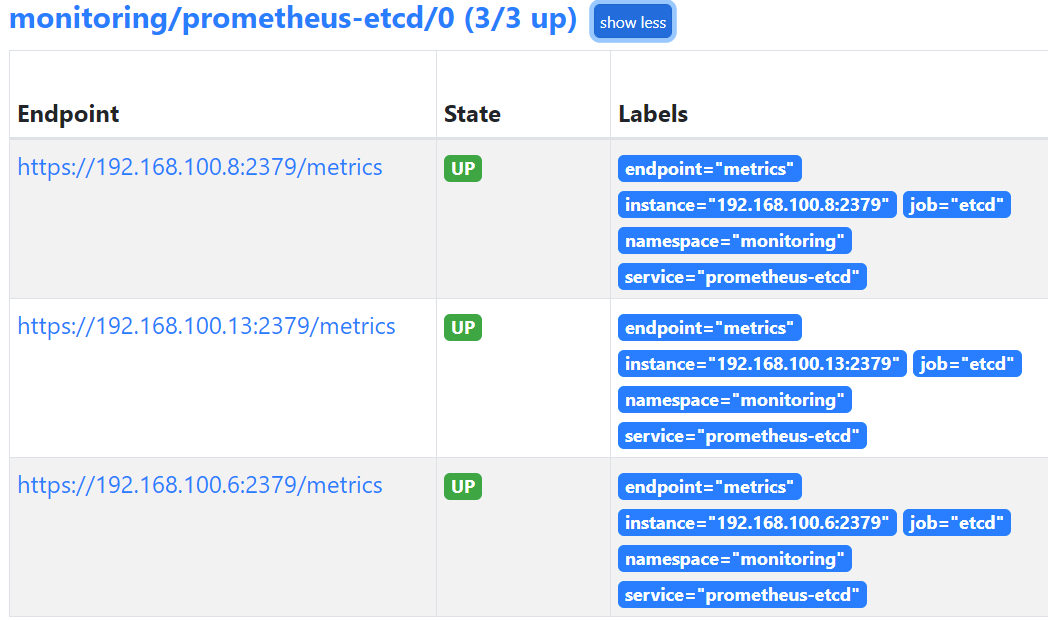
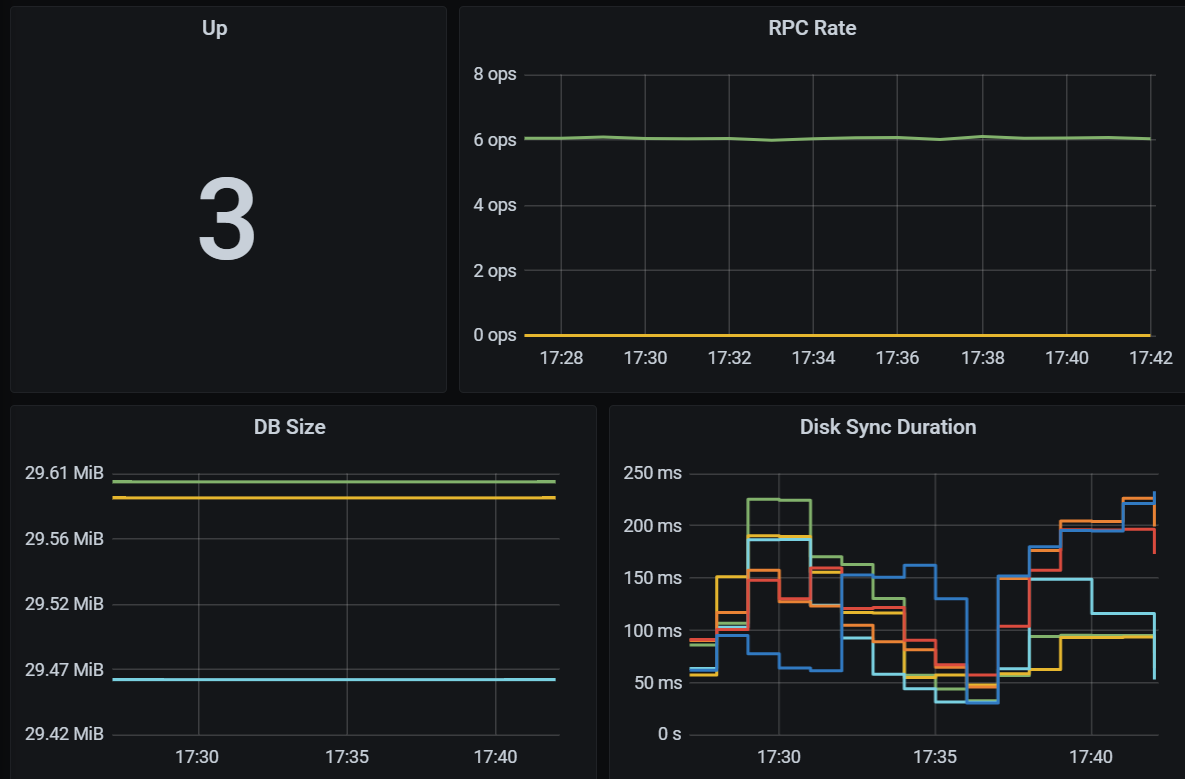
That’s it. Now we just need to apply these files to our cluster. If everything went well, connecting to the Prometheus (in the targets section) and Grafana dashboards, you should see the following