-
Created by
 Riccardo Gargana, last updated on Mar 14, 2025
4 minute read
Riccardo Gargana, last updated on Mar 14, 2025
4 minute read
The basic installation of operating systems and the foundational Kubernetes infrastructure, utilizing Calico CNI, is managed through Puppet and Foreman.
The following modules are employed, with some custom-developed as needed and others sourced from the Puppet Forge repository:
Modules sourced from Puppet Forge:
puppetlabs-kubernetes(version 8.0.0)puppetlabs-helm(version 4.0.0, patched in Baltig)
Custom-developed modules:
rgargana-helm_deploy_chart(in Baltig)rgargana-installer(in Baltig)
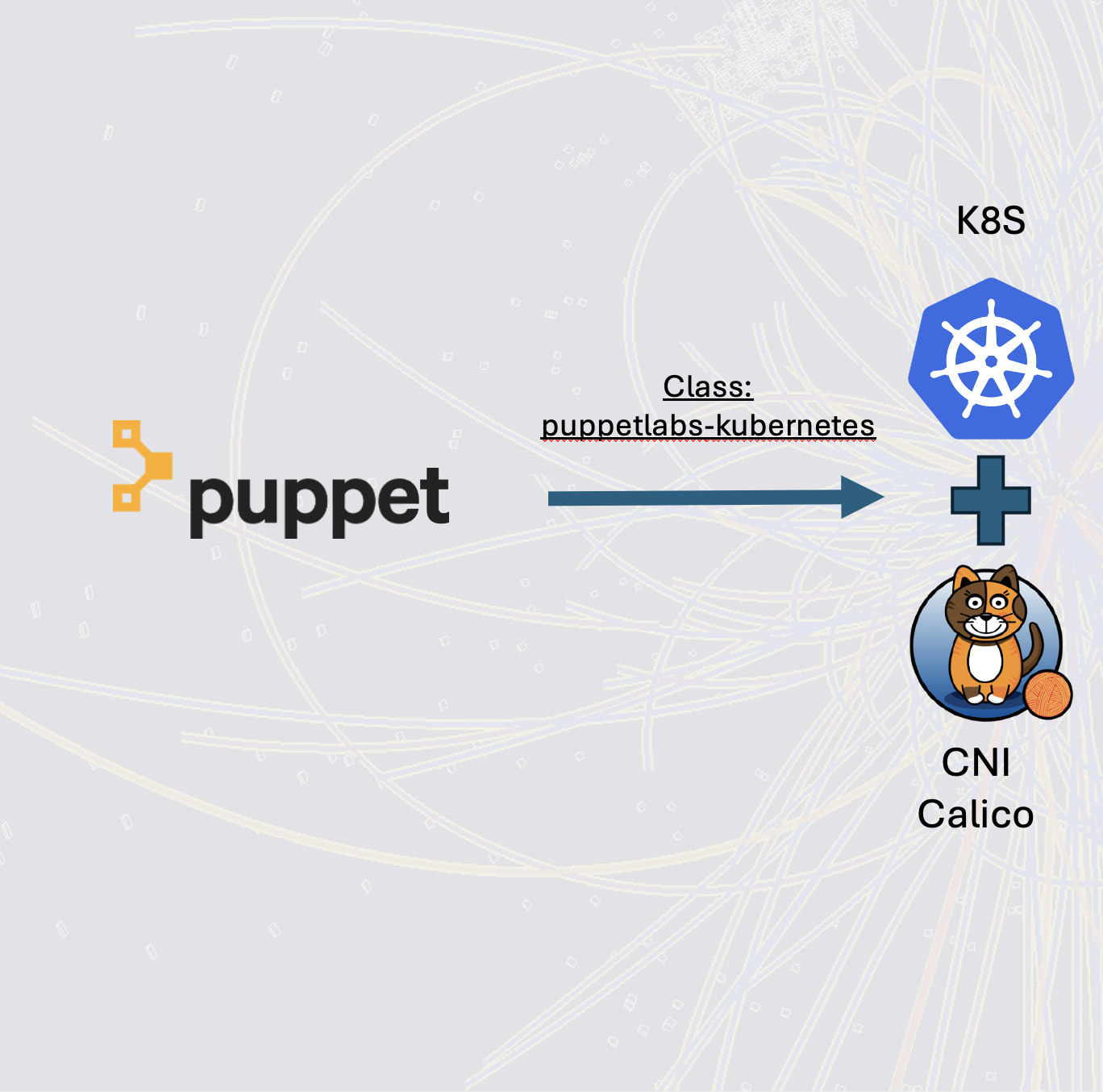
The puppetlabs-kubernetes module requires an initial configuration, as outlined in the documentation, to define certain parameters that are common to both control plane and worker nodes.
docker run --rm -v $(pwd):/mnt -e OS=redhat -e VERSION=1.30.3 -e CONTAINER_RUNTIME=cri_containerd -e CNI_PROVIDER=calico-tigera -e ETCD_INITIAL_CLUSTER=plelinpdom001:10.16.4.99 -e ETCD_IP="%{networking.ip}" -e KUBE_API_ADVERTISE_ADDRESS="%{networking.ip}" -e INSTALL_DASHBOARD=true -e CNI_NETWORK_PREINSTALL=https://raw.githubusercontent.com/projectcalico/calico/v3.27.0/manifests/tigera-operator.yaml -e CNI_NETWORK_PROVIDER=https://raw.githubusercontent.com/projectcalico/calico/v3.27.0/manifests/custom-resources.yaml puppet/kubetool:6.2.0
During the initialization phase, as indicated by the command, a container manager must be installed on the Puppet server to generate two essential files:
common.yaml: This file contains all the necessary keys for registering worker nodes.Redhat.yaml: The name of this file depends on the variable specified in the previous command (e.g.,OS=redhat). It is used to instantiate the Kubernetes master/control node.
Once generated, these files are placed in the appropriate Puppet directory associated with the target machine to be installed. For example:
/etc/puppetlabs/code/environments/<your environment>/data/common.yaml

/etc/puppetlabs/code/environments/<your environment>/data/nodes/{$hostname-controll}.yaml (The name of your master is specified in the command)
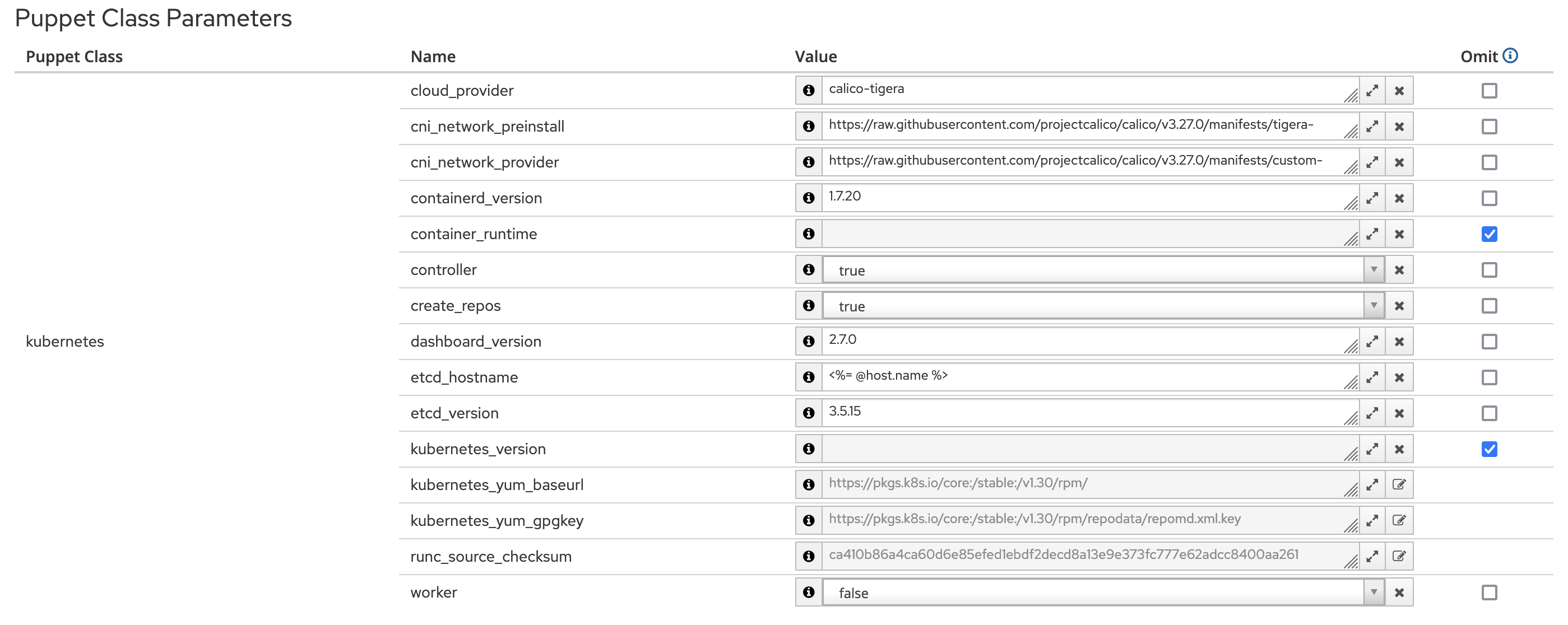
Due to a bug in the Docker image, it is necessary to add or replace the following string inside the common.yaml file, or modify the Puppet Class Parameters as shown in the examples:
kubernetes::cni_network_preinstall: https://raw.githubusercontent.com/projectcalico/calico/v3.27.0/manifests/tigera-operator.yaml
kubernetes::cni_network_provider: https://raw.githubusercontent.com/projectcalico/calico/v3.27.0/manifests/custom-resources.yaml
Each variable within the two generated files can be redefined using Foreman, adhering to Puppet's External Node Classifier (ENC) paradigm.
nat and proxy
If the nodes are on a private network, they must be configured with NAT (Network Address Translation) and the master/control plane endpoints must be explicitly added to the no_proxy settings.
Tar package
Install the tar utility on the machine.
Enable bridging in linux:
# sudo echo "net.bridge.bridge-nf-call-iptables = 1" >> /etc/sysctl.d/99-sysctl.conf
# sudo echo "net.ipv4.ip_forward = 1" >> /etc/sysctl.d/99-sysctl.conf
# sysctl -p /etc/sysctl.d/99-sysctl.conf
# sysctl -e net.bridge.bridge-nf-call-iptables net.ipv4.ip_forward
Now, you can run the puppet agent on each node. Be mindful that the control node must have the control variable enabled and the worker variable disabled, while the worker nodes should be configured in the opposite manner (i.e., worker enabled and control disabled).
# puppet agent --test
After a few minutes, it is possible to verify the installation of Kubernetes and the CNI (Container Network Interface) by running the following command on the control node's command line:
# mkdir -p $HOME/.kube
# kubectl completion bash | sudo tee /etc/bash_completion.d/kubectl > /dev/null (kubectl bash completion)
# sudo cp -i /etc/kubernetes/admin.conf $HOME/.kube/config
# sudo chown $(id -u):$(id -g) $HOME/.kube/config
# kubectl get nodes,all -A
All pods should be in a Running state:

Install HELM and Helm_deploy_chart modules
It is now possible to install three Helm charts from Puppet using the Helm and helm_deploy_chart module, configured via variables within Foreman.
The Helm module enables the installation of three Helm charts through Puppet, with configuration managed by Foreman variables.

Follow the foreman variable to deploy custom helm charts:

The Helm Puppet class facilitates the installation of Helm software.
Additionally, the parameter helm_deploy_chart enables the deployment of custom Helm charts for:
- Argocd
- repo-git
- root-app

password
The 'password' variable actually represents a read-only token within the Baltig project.
ArgoCD enables declarative, GitOps-based continuous delivery for Kubernetes.
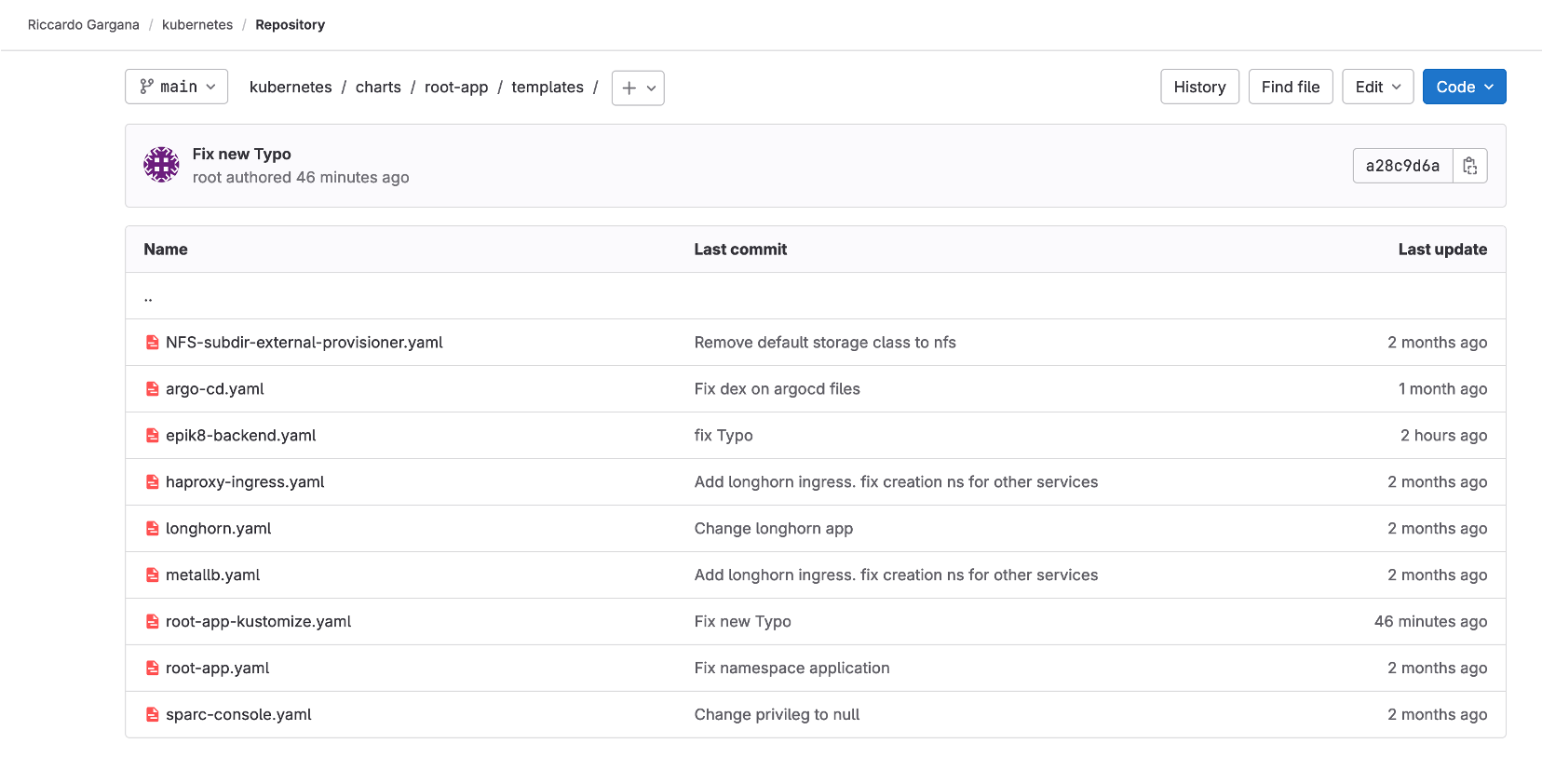
Using Argo CD, Root-APP automates the deployment of services found in the owner's Git/Baltig repository
longhorn requirerd:
dnf install iscsi-initiator-utils
Utils command
Link utils for debug
https://stackoverflow.com/questions/52369247/namespace-stucked-as-terminating-how-i-removed-it
Openstack in k8s
https://docs.openstack.org/openstack-helm/latest/install/before_starting.html
TODO: token for new repo
# kubectl get node (test cluster)

# for i in `kubectl api-resources | awk '{print $1}'`; do echo "### Resource $i ###" && kubectl get $i -A; done (show all resources)

# kubectl patch <resource> <name> -n <namespace> -p '{"metadata": {"finalizers": null}}' --type merge (set resource finalized)

# helm completion bash > /etc/bash_completion.d/helm (helm bash completion)

This command (with kubectl 1.11+) will show you what resources remain in the namespace:

# kubectl api-resources --verbs=list --namespaced -o name \
  | xargs -n 1 kubectl get --show-kind --ignore-not-found -n <namespace>

# kubectl port-forward  service/argo-cd-argocd-server -n argocd --address 192.168.109.100 8080:443